

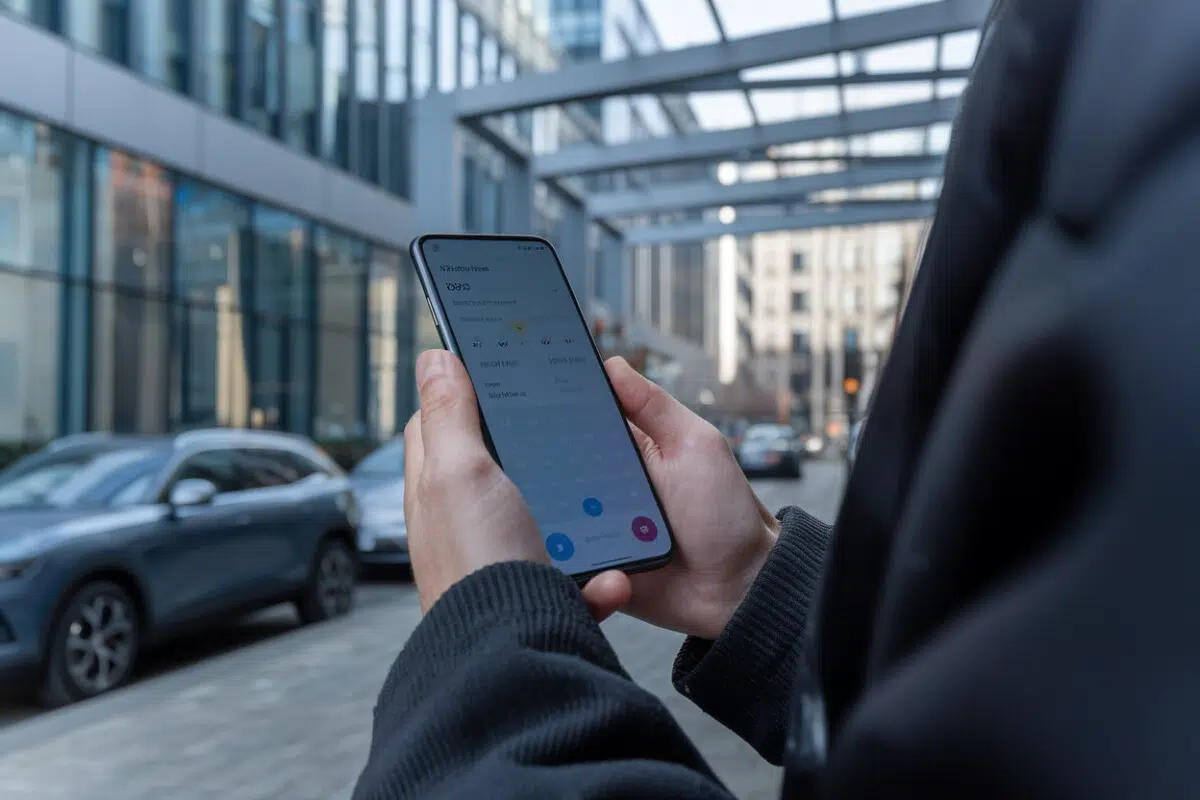
Samsung is quietly giving its built-in Galaxy Weather app a makeover, and if you check the forecast multiple times a day, you’ll probably notice it.
The latest update, version 1.7.30.8, refreshes the app’s look with redesigned icons across several info cards, sharper pollen labels, and a radar screen that’s quicker to navigate. It’s not a flashy new feature drop. It’s Samsung trying to win the two-second test: can you glance at the screen and instantly understand what’s happening outside?
Not every change will land the same way for everyone. Some of the new graphics, especially on wind and pressure, may look more modern but could be harder to read at a glance than the older, more text-forward design.
A quiet update to a default app most people use without thinking
On Galaxy phones, Weather is part of the standard Samsung bundle, like Clock or Gallery. With v1.7.30.8, Samsung isn’t claiming it has reinvented forecasting or upgraded the underlying weather data. The focus is interface polish: more consistent visuals across the app’s “cards,” and information that’s easier to scan quickly.
That matters because weather is a high-frequency app. People check it while walking to the train, before a run, or right as they’re heading out the door. In those moments, usability beats novelty. You want the next-hour rain risk, wind gusts, or pressure trends without hunting through menus.
Samsung has been doing more of these low-key tweaks across One UI, its Android skin, often without much fanfare. Think of it like the way Google periodically refreshes core apps and widgets: small changes meant to make the whole system feel more current.
Pollen gets more specific: tree, grass, and ragweed icons
The most obvious improvement is on the Pollen card. Samsung is moving away from a generic “pollen” symbol and replacing it with clearer, category-based pictograms, Tree, Grass, and Ragweed, so you can tell what’s spiking without digging.
For allergy sufferers, that’s not cosmetic. Spring can bring heavy tree pollen while grass stays moderate, and later in the season it can flip. If grass is your trigger, that quick distinction can change how you plan your day, when you exercise outdoors, whether you crack the windows, or when you take medication.
The potential downside: better category labels don’t automatically mean better clarity on intensity. If the new icons look nicer but make it harder to instantly tell whether levels are low, medium, or high, the redesign undercuts the point of having pollen data in the first place.
Still, the update suggests Samsung is preparing to put more emphasis on pollen tracking again, good news for users who’d rather stick with a built-in app than bounce between specialized weather and allergy tools.
Wind and pressure cards look different, and some users may miss the old readability
Samsung also reworked the Wind and Pressure cards, two metrics people check for everything from cycling and hiking to migraine-related pressure sensitivity. The new approach leans more heavily on icon-style visuals and less on straightforward text.
That’s where the redesign could be divisive. The older layout reportedly made key numbers easier to spot quickly. When you’re trying to see whether gusts are around 25 mph (about 40 km/h) or whether pressure is dropping fast, you don’t want to decode a stylized graphic, especially outdoors, in bright sun, using one hand.
This is the kind of micro-friction that pushes people to alternatives. If a weather app costs you an extra couple seconds every time you check it, you’ll eventually replace it with a different app or a home-screen widget that’s more legible.
The upside is that Samsung is clearly still iterating. The best fix may be giving users options, letting people choose a “data-first” view versus a more graphical one.
The radar screen gets quicker controls for faster decisions
The Radar view is also getting attention. Samsung added quick toggles, shortcuts that make it easier to switch options without digging through menus.
That matters because radar is the “should I go now?” tool. If you’re deciding whether to walk the dog, run an errand, or hop in the car for a 20-minute drive, radar is often more useful than a seven-day forecast. Faster controls mean fewer taps and more time actually looking at the map.
a smoother interface can’t fix bad radar data. Users will judge this by accuracy and refresh speed, whether the rain on the screen matches what’s actually hitting the sidewalk outside.
Auto-refresh returns to the spotlight, powered by motion detection
Samsung is also re-emphasizing a practical feature: automatic weather updates while you’re on the move, using motion detection. On Android 13 with One UI 5, Samsung says the Weather widget can refresh itself when movement is detected, reducing the need to manually refresh.
In real life, that can make the widget feel more trustworthy. You glance at your home screen before heading out and see current conditions, not data that’s an hour old from when you were still at home.
The tradeoff is the usual one: features that rely on sensors and background updates can raise questions about battery life and data usage, especially on older phones. Samsung keeps it as an option, but users who enable every background feature may notice more power drain over time.
Overall, the update is Samsung making its default Weather app harder to ignore. If the company can keep the visuals clean without sacrificing readability, and pair that with reliable radar and pollen tracking, it has a better shot at keeping users from jumping to third-party weather apps.
Key Takeaways
- Samsung is updating the Galaxy Weather app to <strong>v1.7.30.8</strong> with a UI refresh focused on cards.
- The <strong>pollen</strong> card now uses distinct icons for trees, grasses, and ragweed.
- The <strong>wind</strong> and <strong>pressure</strong> cards are getting new graphics, which may spark debate about readability.
- The <strong>radar</strong> now includes quick toggles for faster access to map options.
- The widget can automatically refresh while you’re on the move using motion detection in <strong>One UI</strong>.
Frequently Asked Questions
What exactly changes in the Samsung Weather app with v1.7.30.8?
The update tweaks the interface, adding new icons on several cards—including pollen—and making visual adjustments to wind and pressure. The radar also gets quick toggles to make navigation easier.
Why did Samsung change the icons on the pollen card?
The goal is to make the information easier to recognize at a glance, with specific icons for different pollen categories—like trees, grasses, and ragweed—instead of a generic symbol.
Is the change to the Wind and Pressure cards necessarily better?
Not necessarily. The new graphics modernize the look, but the old design emphasized the text more, which could be easier to read. Depending on how you use it, some people may prefer the previous visual hierarchy.
What are the quick toggles on the weather radar for?
They’re meant to reduce the number of steps needed to access radar options, which helps you make a quick decision—for example, checking whether a shower is about to arrive before heading out.
How does automatic weather refresh work while you’re on the move?
On Android 13 with One UI 5, Samsung describes an auto-refresh option for the weather widget based on motion detection. When enabled, the widget updates information automatically without any manual action.
Sources
- Your Galaxy's Weather app just got a facelift: Here is what's new
- Android users soon getting iOS-exclusive AI weather app
- This Popular iPhone-Exclusive Weather App is Coming to Android
- How to automatically refresh the Samsung Galaxy weather widget …
- Samsung U-turns on beloved weather feature – will bring it back … – T3